Edward's Tech Site
this site made with Next.js 13, see the code
HOWTO: Feb 27, 2024 - Hetzner
How to set up and host various kinds sites on a Hetzner machine with nginx and pm2
- background
- this howto assumes you have a Hetzner account, at least one machine and have on it a main site set up under a domain name with HTTPS
- it also assumes that you have a GitHub account connected from your Hetzner machine to your GitHub account
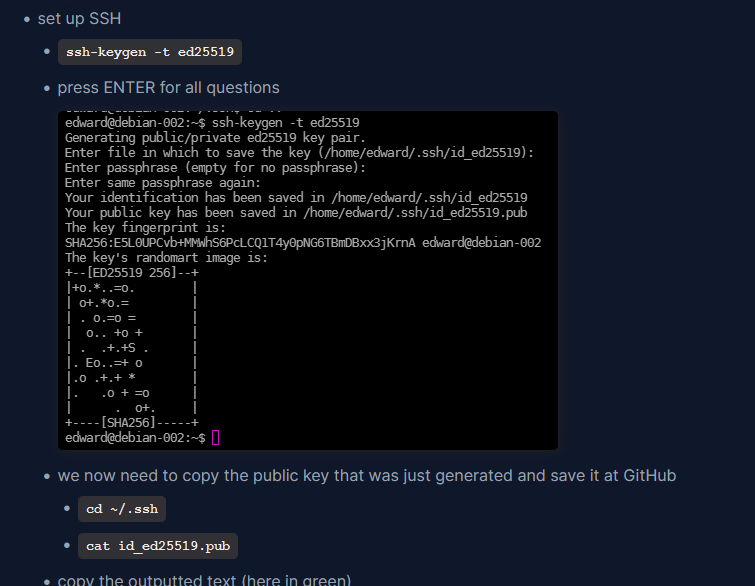
- if you don't have an SSH connection from your Hetzner machine to your GitHub account, see this howto and search for set up SSH
- this howto also assumes that you are using the nginx web server and the pm2 process manager
- you will have these if you used the above howtos to install your machines
- if you are using the much-easier-to-use-but-less-professional web server Caddy, see this howto for how to set up sites with Caddy instead of nginx
- the Hetzner machine I will be using in this howto has the following characteristics:
- Debian 11
- nginx
- nginx configuration files for all websites are here: /etc/nginx/conf.d
- pm2
- websites are in my home directory, i.e. /home/edward/projects
- therefore I do not need to constantly have sudo writes to change the files
- my domain is: tanguay.eu
- my domain hoster is: ../www.domainssaubillig.dehttps://www.domainssaubillig.de
- note that all domain hosters (Hetzner, Namecheap, GoDaddy) all have various interfaces to perform similar tasks
- we will be using our domain hoster to create subdomains
- if you're using another domain hoster than domainssaubillig.de, you will have to at least know how to use its interface to create subdomains
- >>> 1. Create and host an HTML/CSS page
- Create local site and push to GitHub
- in your projects directory, create a site project
mkdir demo001-html-css-site (this name will also be the name of your repository and subdomain)
- enter into VSCode
code demo001-html-css-site
- index.html
<!DOCTYPE html>
<html lang="en">
<head>
<meta charset="UTF-8">
<meta name="viewport"
content="width=device-width, initial-scale=1.0">
<link rel="stylesheet"
href="css/main.css">
<title>HTML-CSS-Site</title>
</head>
<body>
<h1>HTML-CSS-Site</h1>
<p>Welcome to this site.</p>
</body>
</html>
- css/main.css
body {
background-color: #bbb;
font-family: sans-serif;
padding: 1rem 2rem;
}
h1 {
color: brown;
}
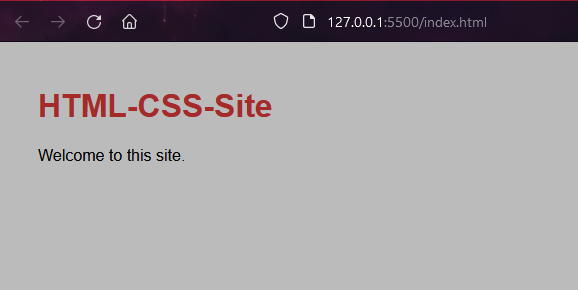
- view in live-server
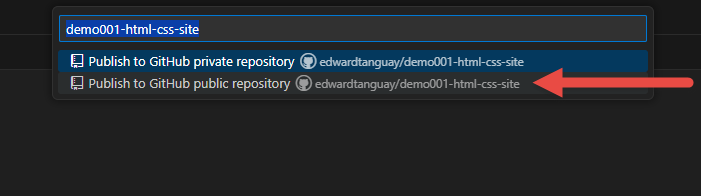
- create repository
- initial commit and create repository
- At Hetzner, clone and set up site
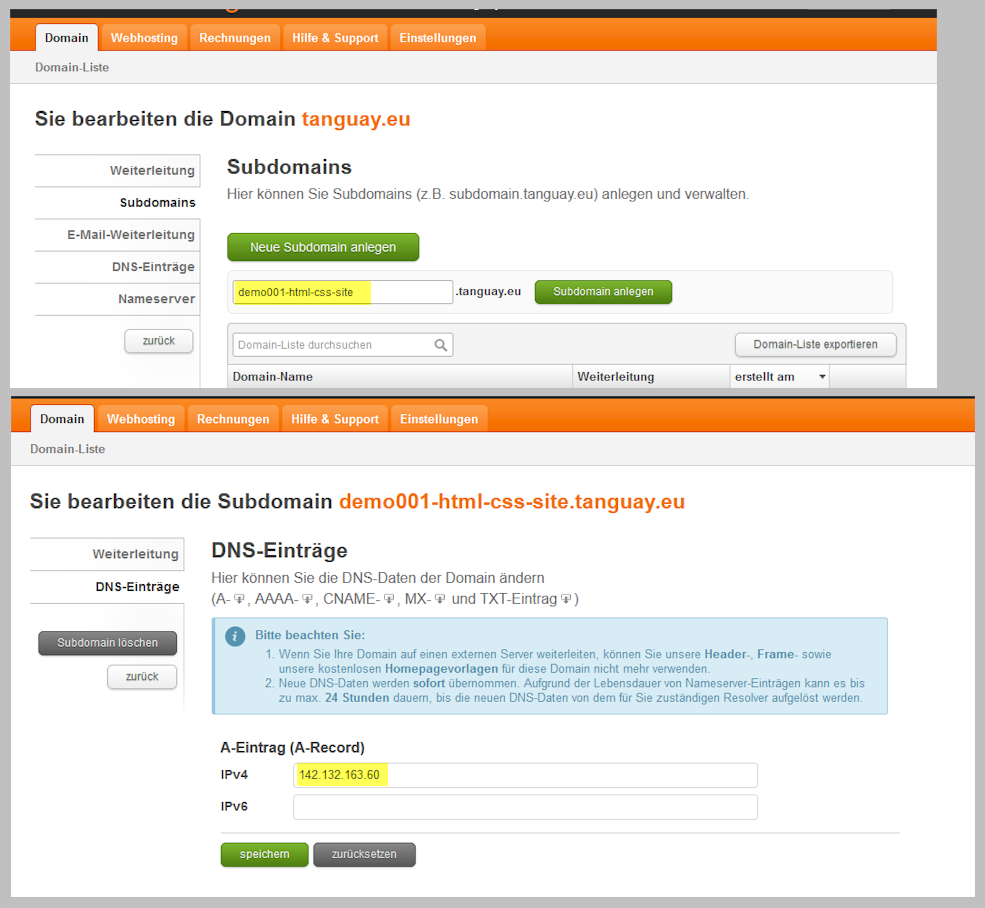
- at your domain hoster, register your subdomain
- log into Hetzner
- e.g.
ssh username@domainname.eu
cd projects- go to your repository, copy the clone link and create site:
- e.g.
git clone git@github.com:edwardtanguay/demo001-html-css-site.git
- /etc/nginx/conf.d/demo001-html-css-site.conf
server {
listen 80;
root /home/edward/projects/demo001-html-css-site;
index index.html;
server_name demo001-html-css-site.tanguay.eu;
location / {
try_files $uri $uri/ =404;
}
}
- restart nginx
sudo systemctl restart nginx
- add HTTPS
- restart nginx
sudo systemctl restart nginx
- site is here: ../demo001-html-css-site.tanguay.euhttps://demo001-html-css-site.tanguay.eu
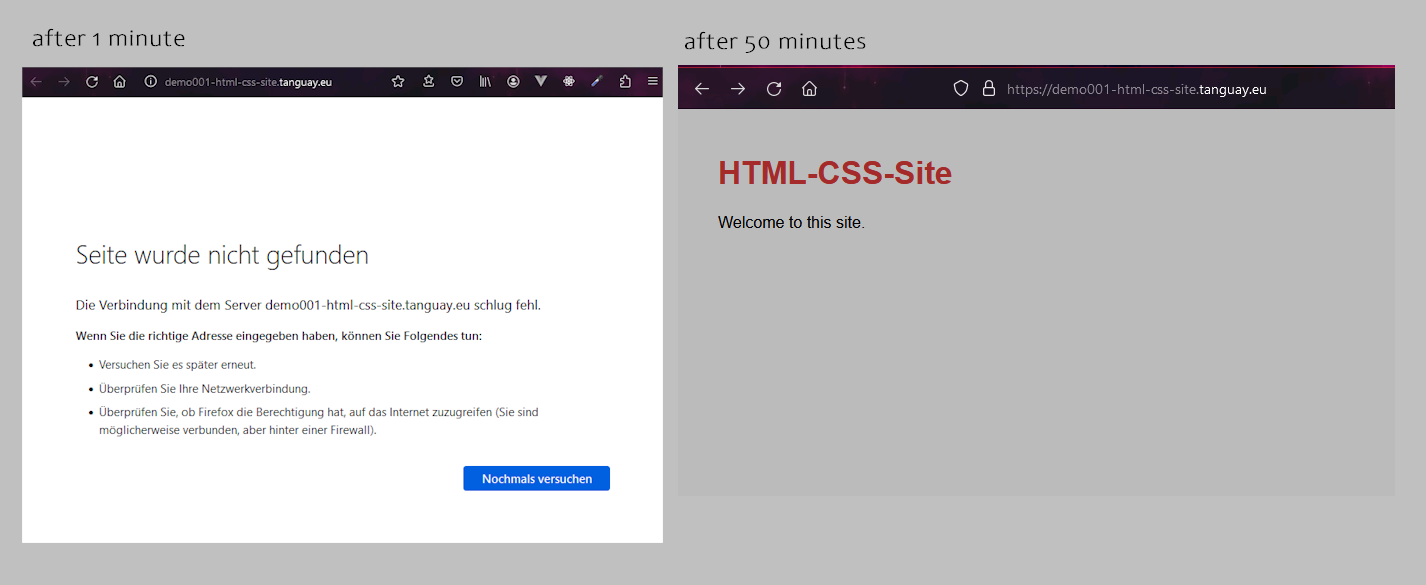
- not visible on computer via Telekom for 50 minutes:
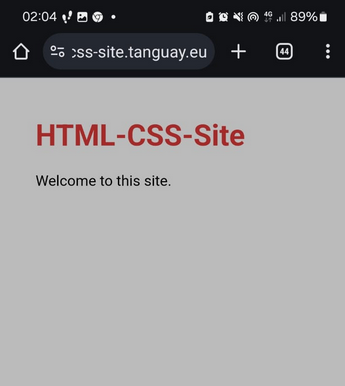
- immediately visible on smart phone via O2:
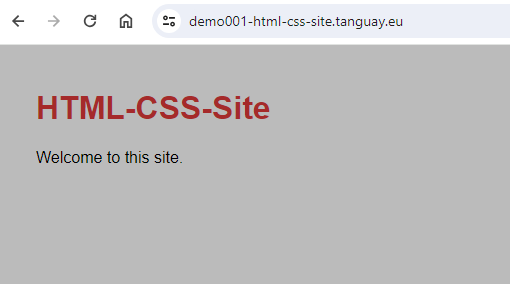
- immediately visible on computer via O2 hot spot:
- >>> 2. Create and host a React site
- Create local site and push to GitHub
- create repository from this template:
- name:
demo001-vite-react-site
- clone locally
- e.g.
git clone git@github.com:edwardtanguay/demo001-vite-react-site.git
- enter with VSCode
code demo001-vite-react-site
- set up and start locally
npm i- change port
- package.json
"dev": "vite --port 3223 --open",
npm run dev
- change site
- index.html
<title>Demo001-Vite-React-Site</title>
- Header.tsx
<h1 className="text-3xl mb-3 text-slate-800">Demo001-Vite-React-Site</h1>
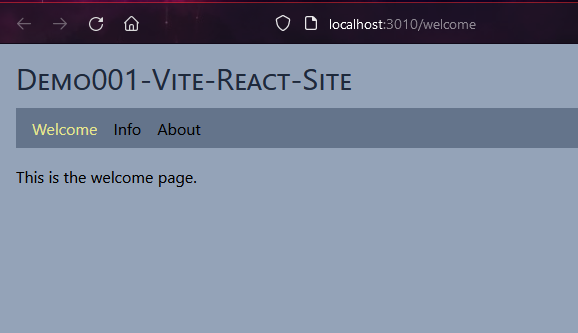
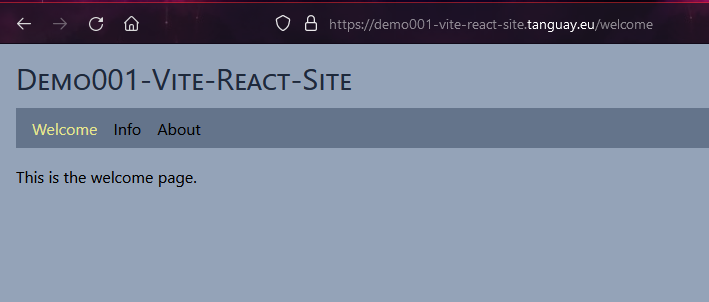
- site will look like this:
- add deploy scripts for Hetzner
- package.json
"start": "vite serve --host --port 3010",
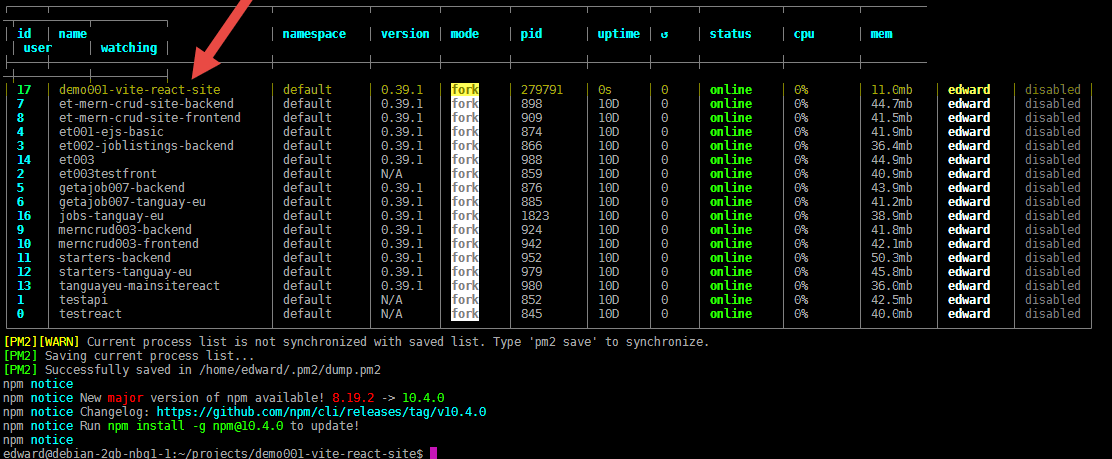
"setup": "npm i && pm2 start --name demo001-vite-react-site npm -- start --update-env --time && pm2 save",
"deploy": "git pull --no-rebase && pm2 restart demo001-vite-react-site --update-env --time && pm2 save"
- make initial commit and put to GitHub
- At Hetzner, clone and set up site
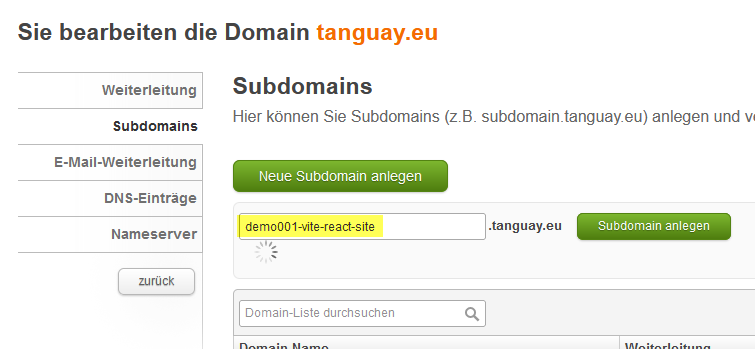
- at your domain hoster, register your subdomain
- demo001-vite-react-site
- add IP
- log into Hetzner
- e.g.
ssh username@domainname.eu
cd projects- go to your repository, copy the clone link and create site:
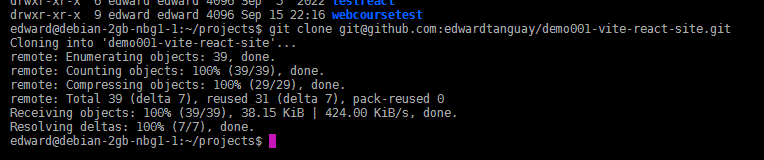
- e.g.
git clone git@github.com:edwardtanguay/demo001-vite-react-site.git
- go in directory
- /etc/nginx/conf.d/demo001-vite-react-site.conf
server {
server_name demo001-vite-react-site.tanguay.eu;
location / {
proxy_pass http://localhost:3010
}
}
- restart nginx
sudo systemctl restart nginx
- add HTTPS
- restart nginx
sudo systemctl restart nginx
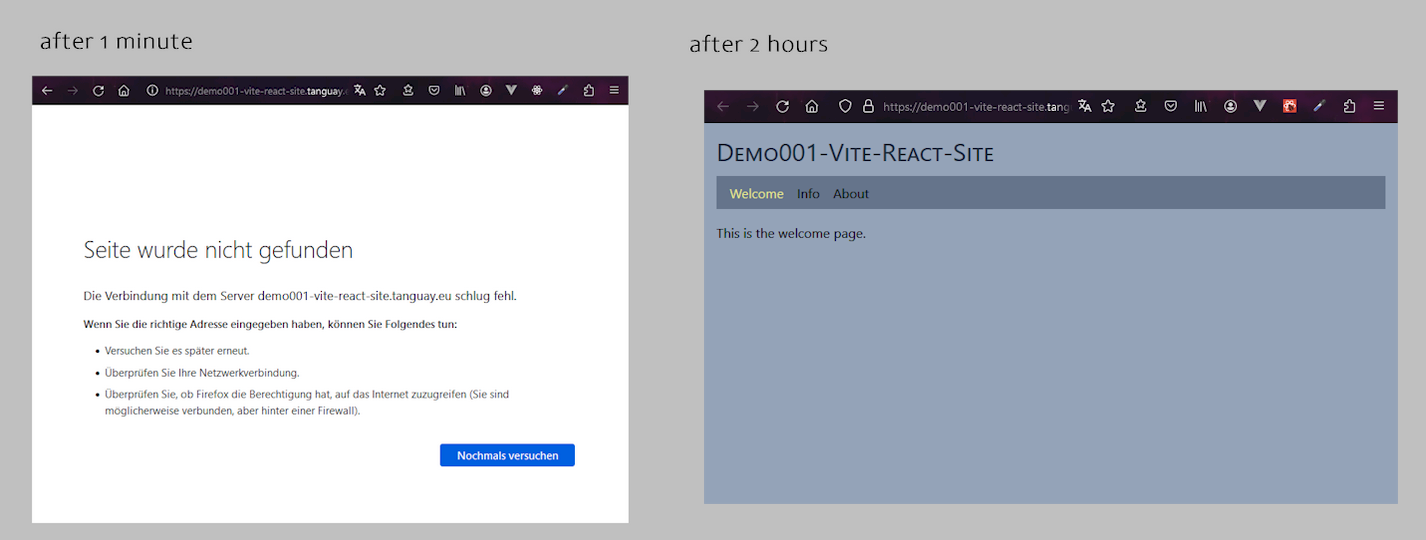
- site is here: ../demo001-vite-react-site.tanguay.euhttps://demo001-vite-react-site.tanguay.eu
- NOT visible on computer via Telekom
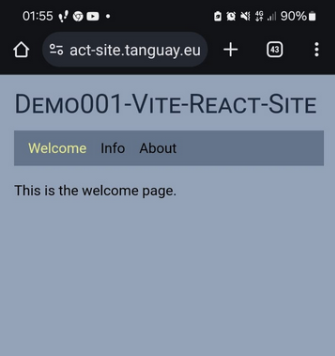
- immediately visible on smartphone via O2
- immediately visible on computer via O2 hot spot:
- >>> 3. Create and host backend Node/express and frontend Vite-React as separate sites
- >>> 4. Create and host backend Node/express and frontend Vite-React as one site
- >>> 5. Create and host Next.js site connected to MongoDB