Publish frontend/backend TypeScript/ES6-Module sites online on Hetzner/Arch/Caddy/pm2 box
what we will do
publish the frontend and backend repositories of an existing full-stack site to an HTTPS subdomain on a Hetzner Arch Linux machine with Caddy web server and pm2
I did this already with a Debian/nginx machine, the howto is here:
since the backend already exists in a repository, there is nothing to do in this step
however, if you have changed anything in the backend locally since you cloned it above
push the changes to the repository now
2.3. Move files to Heztner server and test
log into your Hetzner machine via ssh
go to projects directory
on my Arch machine, this is /var/www since there was an issue with exposing home directories to the web
pull directory from GitHub
e.g. git clone git@github.com:edwardtanguay/getajob007-backend.git
go into directory
cd getajob007-backend
create .env file on the server
PIN = 1234
PORT = 3501
note your npm scripts in package.json:
"scripts": {
"dev": "npm run build && nodemon",
"start": "node dist/server.js",
"deploy": "git pull --no-rebase && npm i && npm run build && pm2 restart getajob007-backend",
"build": "tsc"
},
test to see if your site works on the server
npm i - this will create node_modules
npm run build - this will create dist
npm start - this will run dist/server.js
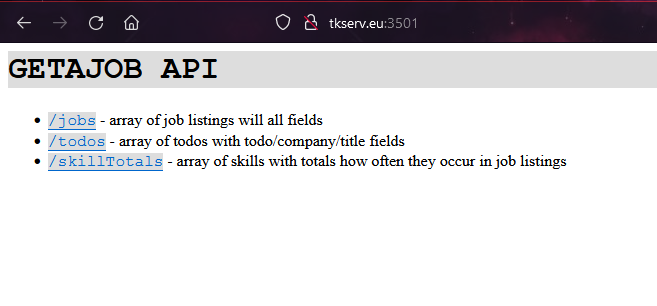
then go to url with port
your site should work at your domain:port via http
2.4. Register HTTPS subdomain in Caddy web server
stop your site (CTRL-C)
open the file that Caddy uses to save all its website config files
sudo vim /etc/caddy/Caddyfile
create an entry for this backend
getajob007-backend.tkserv.eu {
reverse_proxy localhost:3501
}
restart Caddy
sudo systemctl restart caddy
start your site again with npm start
note that with Caddy, both subdomain and the https certificate are automatically registered with this one entry
2.5. Set up pm2 to run and manage your site in the background
so that we don't need to keep manually starting our React app, let's register the app with pm2 and allow pm2 to start and run it as a service so that it runs in the background 24/7
stop your site (CTRL-C)
register your site with pm2
pm2 start --name getajob007-backend npm -- start
if it asks you to run pm2 save to synchronize, then do that as well
test that your site is running in the background
2.6. Make a change to the backend in your dev environment and deploy it to production
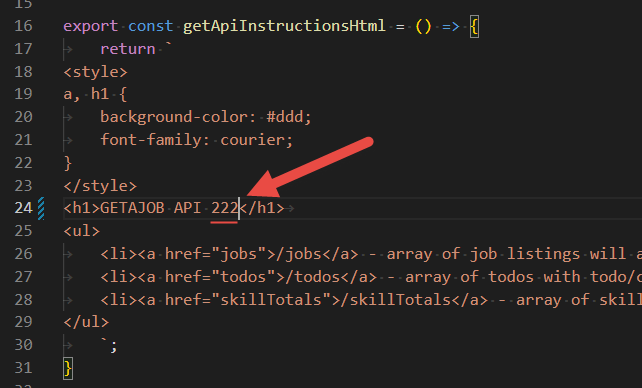
make a change in the getApiInstructionsHtml function in the model.ts file:
commit and push change to GitHub
on the server, go to the directory of the site
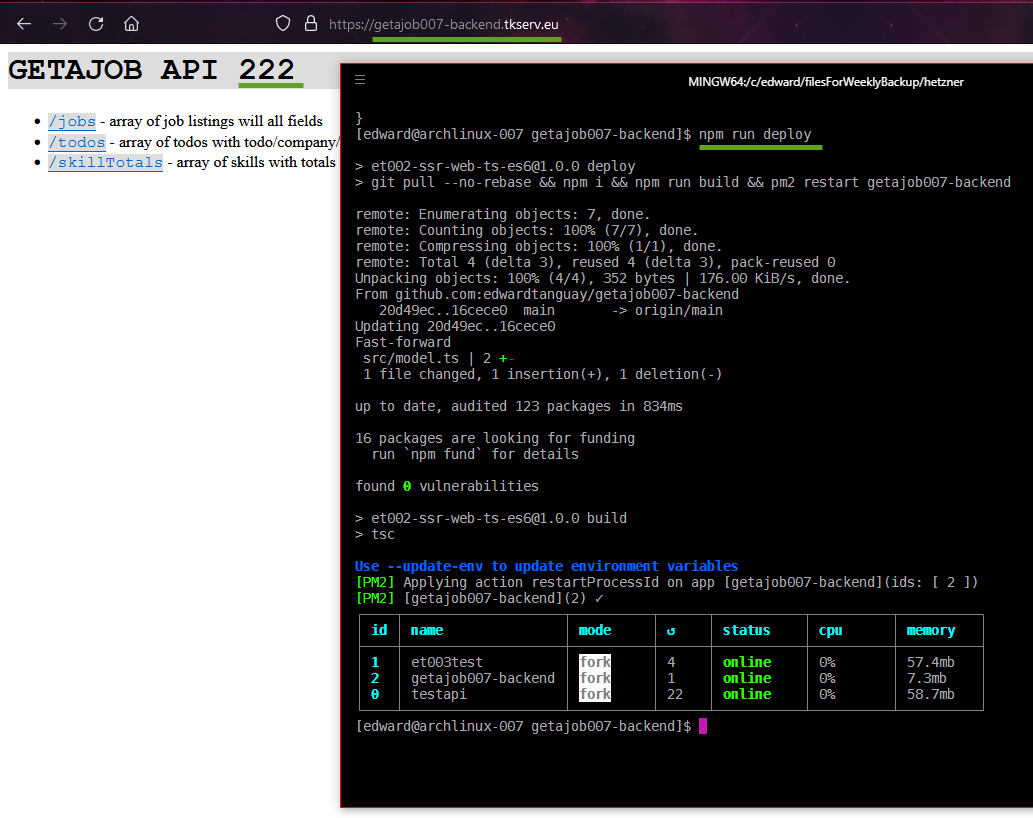
npm run deploy
reload the site and you will see the change:
change it back the same way
==> STEP 3. Publish frontend to Hetzner Arch Linux box under subdomain <==